
Description
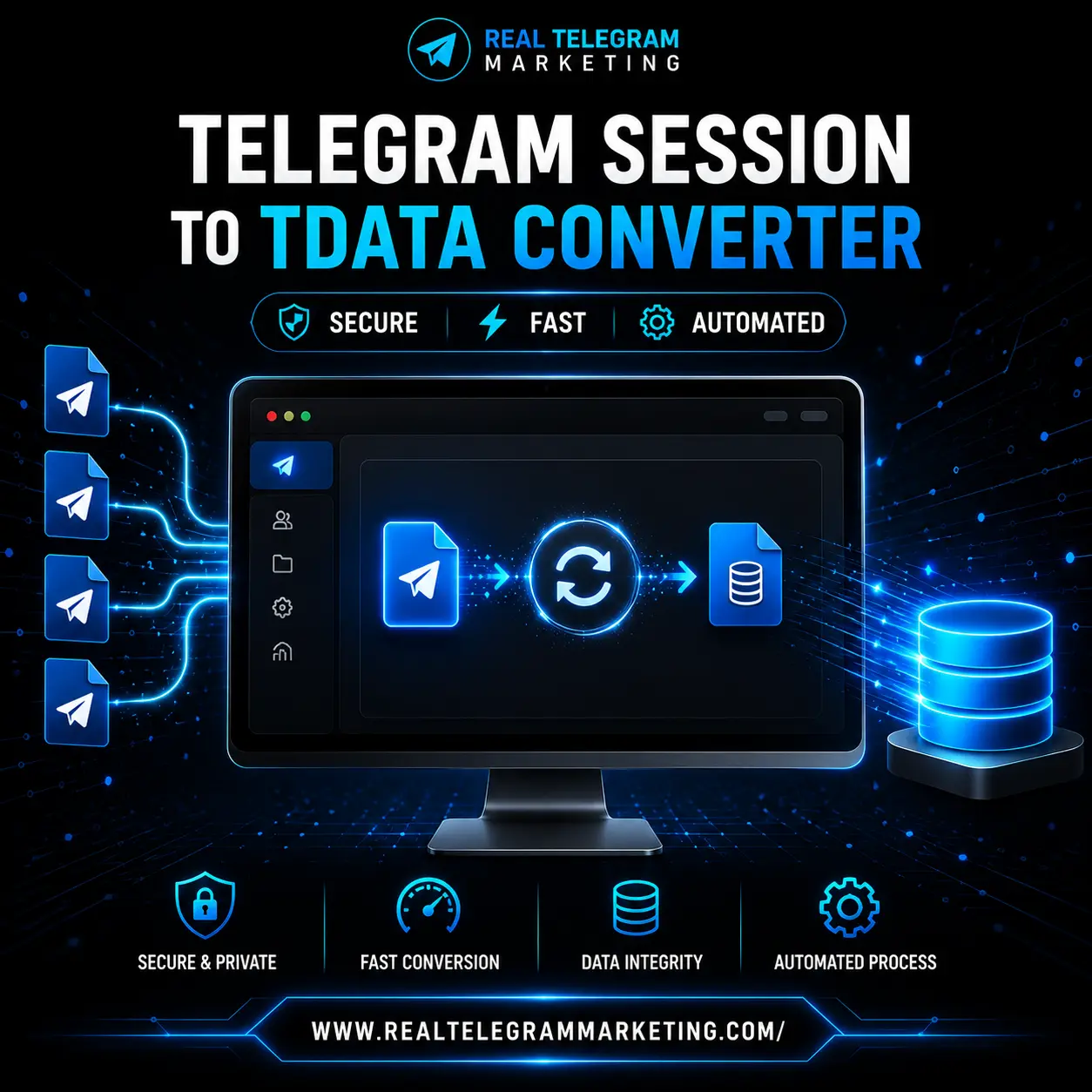
Telegram Session to TData Converter is a software tool designed to convert compatible Telegram session files into the TData format used by Telegram Desktop. It helps users manage account session files and work with supported Telegram authentication formats through a more organized conversion process.
If you have a Telegram session file created using Telethon or a compatible workflow, this tool is intended to help convert it into a format that can be used by supported Telegram Desktop environments, subject to compatibility and Telegram’s current authentication requirements.
Whether you are a developer, Telegram account administrator, or user managing your own Telegram account across supported environments, understanding the difference between session files and TData can help you choose the appropriate tool for your workflow.
What Is Telegram Session to TData Converter?
Telegram Session to TData Converter is a utility designed to convert compatible Telegram session files into Telegram Desktop’s TData format.
Telegram uses different authentication and local data formats across its applications and libraries. A session created through a third-party Telegram API library, such as Telethon, is not automatically interchangeable with the local authentication data used by Telegram Desktop.
This converter is intended to bridge that format difference by processing supported session files and generating the corresponding TData output.
The conversion process depends on the source session, the converter’s implementation, and Telegram’s current authentication requirements. Not every session file or account configuration is guaranteed to be compatible.
What Is a Telegram Session File?
A Telegram session file stores authentication-related information that allows a compatible application or library to maintain an authenticated connection to Telegram.
For example, the Telethon Python library can create a session file when an application connects to Telegram and authenticates an account.
Depending on the library and implementation, a session file may contain information such as:
- Authentication keys and session information
- Account and data-center connection details
- Information needed to maintain an authenticated API connection
- Other library-specific session data
A session file is not necessarily a complete backup of your Telegram account. Your cloud chats and other account information are generally managed by Telegram’s services, while local session files primarily support authentication and connection management.
Important: A valid session file can provide access to your Telegram account. Store it securely and never share it with untrusted people or websites.
What Is Telegram TData?
TData is the local data format associated with Telegram Desktop. It is used by the desktop application to store information needed for its local operation and authentication.
A Telegram Desktop data directory may contain account-related authentication data and other application information. Its exact contents and structure can vary by application version and platform.
TData is not simply another name for a Telethon session file. The two formats are designed for different software environments, which is why a conversion utility may be needed when moving between supported workflows.
TData should also not be confused with a complete, portable backup of all Telegram messages, media, and cloud account information.
How Does Telegram Session to TData Conversion Work?
The general conversion workflow involves processing a supported source session, validating its compatibility, and generating output intended for use with a compatible Telegram Desktop environment.
Step 1: Prepare Your Telegram Session File
Locate the session file you want to convert. The tool’s supported input format and requirements depend on the software version.
Only use session files belonging to accounts you own or are explicitly authorized to manage.
Step 2: Open the Converter
Launch the Telegram Session to TData Converter and follow the instructions provided with your version of the software.
The available interface, configuration options, and supported file types may vary by release.
Step 3: Select the Source File
Choose the compatible Telegram session file you want to process. If the session was created using Telethon, confirm that it matches the converter’s supported input format.
Encrypted, incomplete, expired, or incompatible session files may require additional steps or may not be convertible.
Step 4: Start the Conversion
Run the conversion process according to the software’s instructions. The converter attempts to process the source session and create the corresponding output in the supported TData format.
Successful conversion depends on the source session, the converter’s capabilities, and the target Telegram Desktop version.
Step 5: Check the Output
Follow the supplied instructions to locate and use the generated output. Test it only in an appropriate Telegram Desktop environment and verify that it belongs to the intended account.
Do not overwrite existing account data without first making a secure backup.
Key Features of Telegram Session to TData Converter
The following sections describe the primary purpose of the tool. Confirm the exact features available in your current release before publishing any additional claims.
Telegram Session File Conversion
The software is designed to process supported Telegram session files and convert them into a TData output format intended for Telegram Desktop.
Telethon Session Compatibility
The product is intended for session-conversion workflows involving Telethon-generated files, subject to the exact input formats supported by the installed version.
TData Output Generation
The converter aims to generate TData output for use in a compatible Telegram Desktop environment. Output structure and compatibility depend on the converter implementation and the target application version.
Simplified Conversion Workflow
A dedicated conversion utility can make a supported file-conversion process easier to follow than implementing the conversion manually.
The actual steps, available options, and level of automation depend on the software’s interface.
Account Data Management
The tool is intended to help users manage the transition between compatible Telegram session and desktop authentication formats. It should be used only with authorized account data and secure local storage.
Support for Compatible Workflows
Different Telegram libraries and applications use different data formats. Confirm that your source session type and target Telegram Desktop version are supported before starting the conversion.
Benefits of Using a Telegram Session to TData Converter
Work With Different Telegram Authentication Formats
The tool is intended to help users handle the format differences between supported Telegram API session files and Telegram Desktop’s local data format.
Reduce Manual Conversion Work
A dedicated converter can simplify the process for users who do not want to implement a conversion workflow themselves, provided their source session is supported.
Support Developer Workflows
Developers and technical users working with Telethon-based Telegram integrations may find a conversion utility useful when managing their own authorized test accounts and compatible desktop environments.
Organize Local Account Files
A structured conversion workflow can help users keep source files, generated output, and backups organized. Good file management is particularly important when working with authentication data.
Follow a Repeatable Process
Using documented conversion steps helps reduce avoidable mistakes when processing compatible session files.
Who Can Use Telegram Session to TData Converter?
Telegram users managing their own accounts: Users who need to work with supported session files and Telegram Desktop authentication formats.
Python and Telethon developers: Developers who create or maintain Telegram integrations and need to understand the differences between API session files and desktop data.
Technical users: Users familiar with local files, authentication sessions, and application compatibility who need a dedicated conversion workflow.
Authorized account administrators: Administrators managing account data for accounts they are authorized to access, subject to Telegram’s terms and security requirements.
Compatibility and Important Requirements
Before using the converter, review the following points:
- Confirm that the source session format is supported.
- Check whether the converter supports your target Telegram Desktop version.
- Follow the setup and usage instructions provided with the software.
- Keep source session files and generated TData files in secure storage.
- Back up existing local Telegram Desktop data before replacing or modifying it.
- Do not assume that conversion transfers all messages, media, contacts, or account settings.
- Remember that Telegram may require additional authentication or verification.
System requirements: Add the exact supported Windows versions, operating systems, dependencies, and installation requirements here once confirmed for your software release. Avoid advertising compatibility with an operating system unless it has been tested.
Security and Privacy Considerations
Telegram session files and TData files may contain sensitive authentication information. Anyone who obtains usable authentication data could potentially gain access to the associated account.
For safer use:
- Convert only session files belonging to accounts you own or are authorized to manage.
- Download the converter from a trusted source.
- Do not upload session files or TData folders to unknown online services.
- Avoid sharing authentication files through public links or unsecured messaging channels.
- Keep backups encrypted or otherwise securely protected.
- Remove temporary copies when they are no longer required.
- Revoke unfamiliar active sessions through Telegram’s official security settings if you suspect unauthorized access.
A converter should not be used to access another person’s account without permission or bypass Telegram’s authentication and security controls.
Frequently Asked Questions
1. What is Telegram Session to TData Converter?
It is a software utility designed to convert compatible Telegram session files into TData output intended for use with Telegram Desktop.
2. What is the difference between a Telegram session and TData?
A Telegram session file generally stores authentication and connection information used by a particular API library or application. TData is the local data format associated with Telegram Desktop. The formats are different and are not automatically interchangeable.
3. Can I convert a Telethon session to TData?
The software is intended for compatible session-conversion workflows, including Telethon-related sessions where supported. Check the current version’s input requirements before attempting conversion.
4. Does converting a session transfer all my Telegram chats?
Not necessarily. Session conversion is different from exporting or backing up all account data. Telegram cloud chats and media are generally managed by Telegram’s services, and a converter should not be assumed to copy every message, file, contact, or setting.
5. Will the converted TData work with every Telegram Desktop version?
Compatibility is not guaranteed across all versions. The result depends on the converter’s implementation, the source session, and the target Telegram Desktop version.
6. Can I convert an expired or invalid session?
A session that is expired, revoked, incomplete, or otherwise invalid may not work as expected. Conversion does not automatically restore a revoked session or bypass account authentication.
7. Is a Telegram session file sensitive?
Yes. Session files may contain authentication information that can grant access to an account. Keep them private and never share them with untrusted parties.
8. Is TData the same as a Telegram backup?
No. TData is associated with Telegram Desktop’s local data and authentication storage. It should not be treated as a complete export or backup of all Telegram messages, media, and account information.
9. Do I need programming knowledge to use the converter?
That depends on the software’s interface and documentation. If the version provides a graphical interface and guided steps, it may be easier to use without programming knowledge. Confirm this with the product demonstration or setup guide.
10. What should I do if conversion fails?
Check the input file format, confirm that the session is valid, review the software’s error message, and verify the target version’s compatibility. Keep an untouched backup of the source file and never share authentication data when requesting technical support.
11. Can I use the converter for multiple accounts?
Multiple-account support should be confirmed against the current software version. If supported, use it only for accounts you own or are authorized to manage, and keep each account’s authentication files securely separated.
12. Is Telegram Session to TData Converter suitable for beginners?
Users who understand basic file management can start by reviewing the software’s instructions and demonstration video. Users unfamiliar with session files should first understand the security risks associated with authentication data.
Get Telegram Session to TData Converter
Telegram Session to TData Converter is designed for users who need a dedicated utility for working with compatible Telegram session files and Telegram Desktop’s TData format.
If you work with Telethon-generated sessions or need to manage supported authentication-format conversion workflows, review the product’s compatibility details and demonstration video before purchasing.
Choose the available product option on this page to get started.
Use responsibly: Work only with accounts you own or are authorized to manage, protect authentication files, and follow Telegram’s current terms and security requirements.
😊 don’t be confused www.realtelegrammarketing.com is also owned By Promoter Hamza ✅
thank you!